| |
The Game | Star Fleet | Other | Forum |
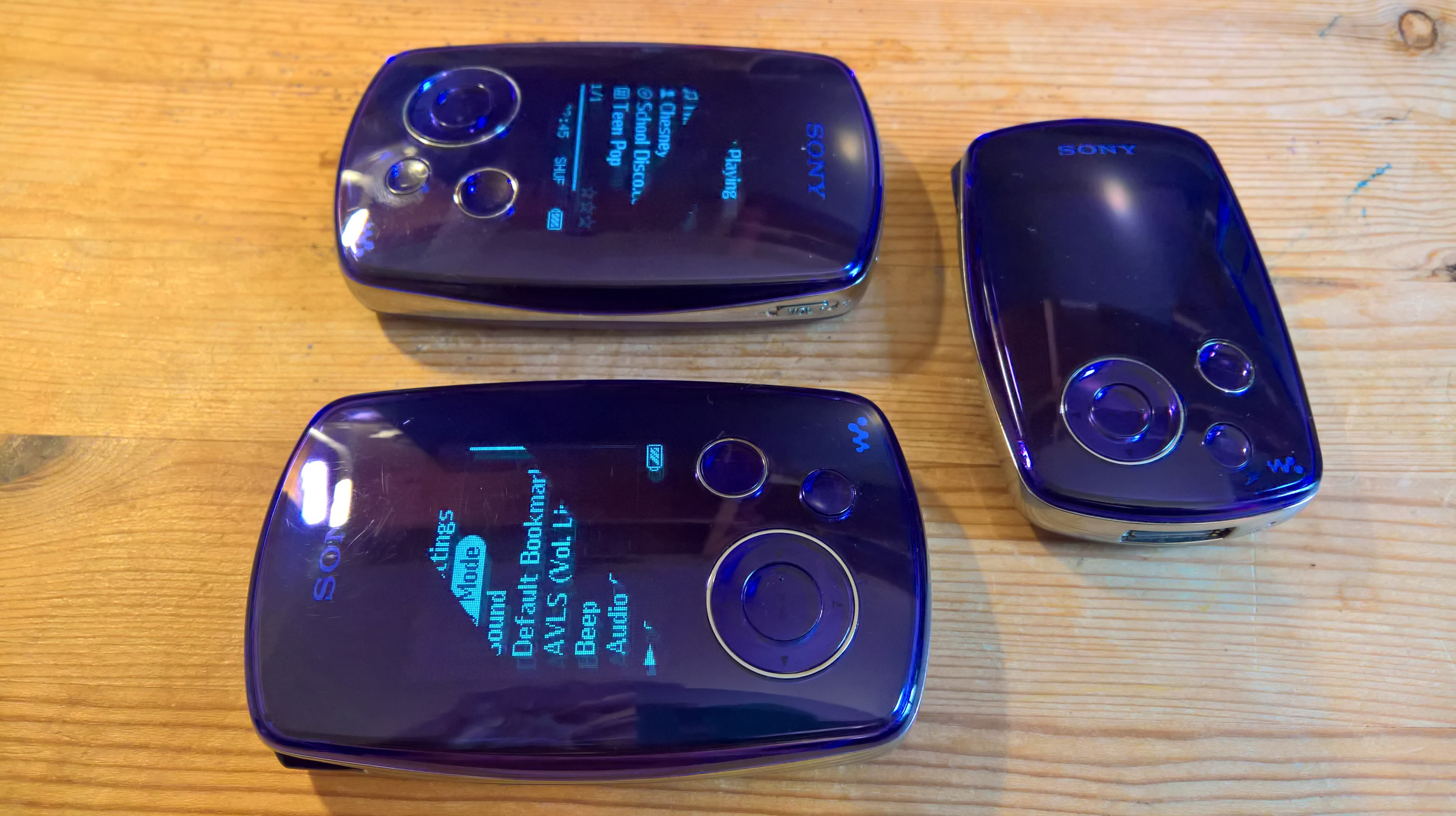
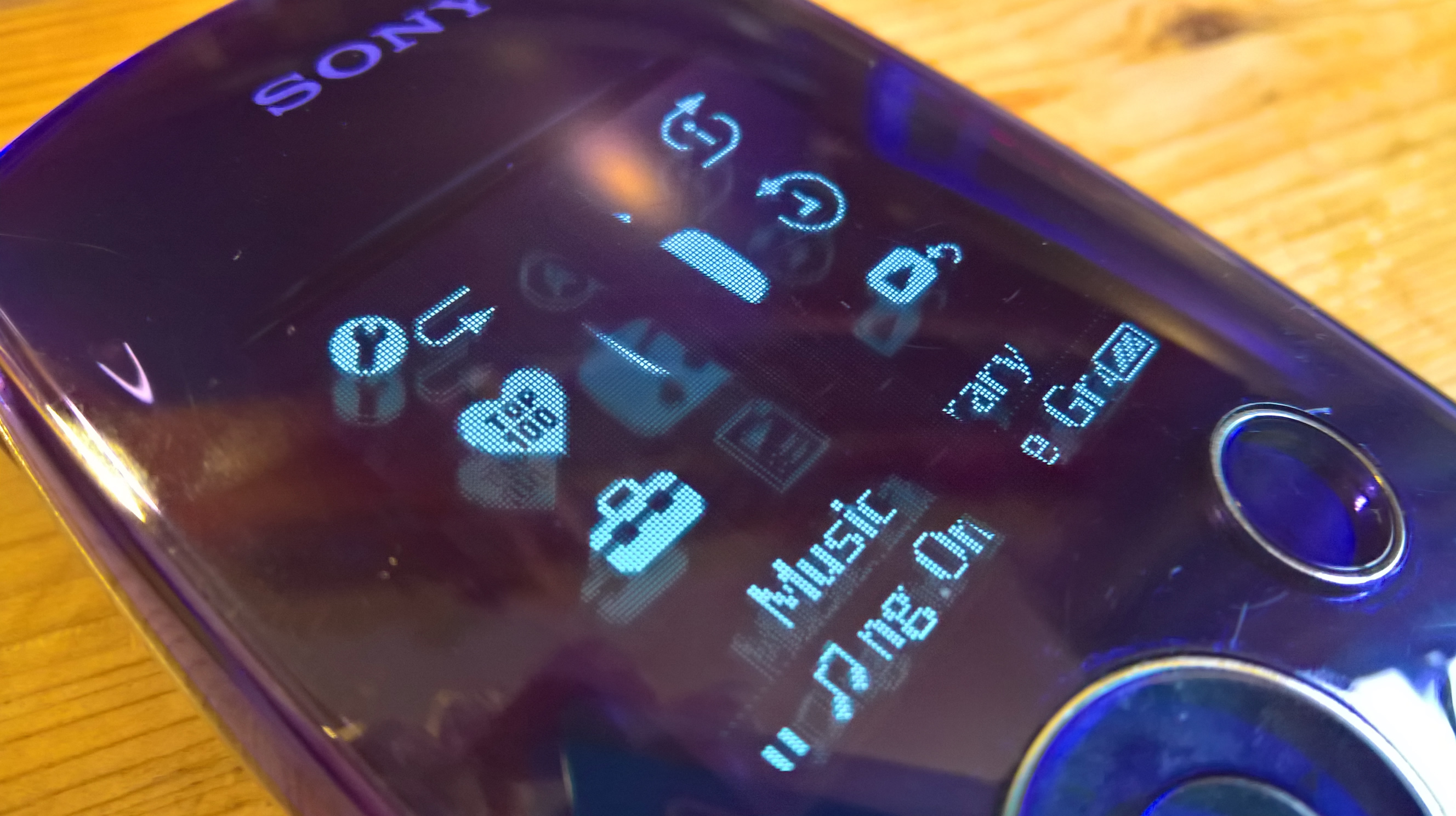
« Cool Stuff / Retro Tech - NetWalkmanI recently had my retro computing interest re-ignited after I went for a trip down memory lane on Pinterest. :) I bought a Sony NW-A1000 Network Walkman for Dominique. She has a Volvo C30 that is no longer her main car. It is a lovely car but its electronics aren't as reliable as they were. It does have a 3.5mm line-in port that this MP3 player can supply, however. Getting these music players working is a little different to modern devices, but is nice and simple, once you know how. Display IssuesThese devices have some of the first OLED displays. Because the display is self-illuminating, it looks as though the display is being 'projected' on the glossy front surface of the device. The smaller NW-A1000 / NW-A1200 have smaller 2" displays, which generally haven't stood the test of time, 20 years after they were made. Replacing the display is possible but quite difficult: the entire device has to be dismantled to get at the display and all it can be replaced with is a display from a hard-to-find, working device. On the other hand, the larger brother: the NW-A3000, which has a 20GB drive, rather than 6/8GB, has a 2.5" display that seems to stand the test of time much better and there are many working examples of the A3000 available. The displays can look strange when photographed: they often show diagonal scan lines in images, that aren't visible to the naked eye. It's very cool that these have no OS: only firmware but they still have beautiful animations and different screensavers when it's playing. USB ConnectivityThe device presents itself to Windows as a removable disk that you can drop files onto via Windows Explorer. As soon as the device sees a data signal from your PC over the USB connection, the device stops playing so that internal hard disk can be mounted in Windows. When it only senses power over the USB connector, the device knows to continue to play while it charges. However, in order to get the device to do anything with the files that you put on it, you need an application to encode your music in the proper format and update the database on the device ... Sonic Stage and JSymphonicI tried putting Sony's Sonic Stage 4.3, which is long-since unsupported, onto my Windows 11 laptop, but Windows wouldn't boot afterwards and I had to install a new Windows onto the other SSD. Some people at reddit seem to have plenty of success getting it working on Windows 11 but many other people found Windows wouldn't boot again after Sonic Stage was installed. I strongly suggest turning on Windows Restore points (Surprisingly, that feature is turned off by default in Windows 11) or take a full disk image before going near it. SonicStage Digital Archive : Sony Corporation : Free Download, Borrow, and Streaming : Internet Archive On the other hand, you do have JSymphonic, which just requires the Java SDK (not the normal runtime) to run: Releases · brianpipa/jsymphonic Java Downloads | Oracle United Kingdom And then, once that's running, you put the ffmpeg.exe that you get from one of the builds here in the same directory where your jsymphonic java applet is running and ... you can convert files to put on the device. Builds - CODEX FFMPEG @ gyan.dev Download FFmpeg I think, the approach that Sony took to putting music on the device was dictated partly by the on-board processing and indexing capabilities of the devices at the time, as well as concerns about putting DRM around digital music to kerb the threat of music piracy. Wear PartsIt's very easy to swap out the wear parts: the internal hard disk and battery. This website has a great teardown of the device: FoggyLog: Blog Once you have the back off, the brackets holding the hard disk and battery are easy to unscrew. The battery can be removed by taking the little header off the mainboard and the hard disk has a ribbon that slides off its connector pins. The batteries and hard disks are off-the-shelf items that you can still find for sale very easily. The design of the device itself has a timeless and very attractive quality. It looks like a shiny, purple stone that washed up on the beach. These also came in a kind of corally pink, a slightly washy teal-blue, a silvery grey, and black. The sound quality is really nice. Looking back at old forum discussions about these devices, this is something that people very often mention and I was initially a bit dubious because normally one digital music player sounds the same as the next to me, but I found that these ones have a surprisingly rich and pleasant tone. I don't even normally like listening to things over headphones. SRS-NWM10 Speaker Docking StationI picked up the lovely, silver docking station that takes either the NW-A1000/1200 or the A3000. Its design is a little different to the devices themselves, but it complements them quite well. It has a little kickstand that flips out at the back and a white LED underneath that can be switched off while the unit is playing. It even runs on 3 x AA batteries, or from a mains adapter and its tone is quite nice - especially for its size. I gave it some Y2K dance music from my Windows phone and it was good to listen to some Y2K Eurodance in my little office. The documentation from Sony that I found indicated that the 3.5mm port on the reverse is a line-out. I'm not sure what the point of that would have been but thankfully, the 3.5mm port is a line in, so you can use the speakers to play music from devices other than the ones it was intended for. You can use the dock to charge the player and connect it to a PC. Images
Directory contents last updated: 2026.04.15 |
OtherCool Stuff Games - Babylon 5 Into the Fire Ships - AS-5 Proteus TV Shows - Dan Dare Quick Links | ||||||||||||||||||||||||||||||||||||||||
|
This site and content is unofficial; © 2002-2026 Piers Bell and other authors. Star Fleet, X-Bomber et al. © Enoki Films. |
|||||||||||||||||||||||||||||||||||||||||